
Download Easy Subtitles Synchronizer – subtitle editor, subtitle sync tool, video subtitle tool, SRT editor, subtitle maker, subtitle utility, subtitle editing app, video tool, mobile subtitle editor, subtitle app
Overview
Easy Subtitles Synchronizer is a mobile application designed to simplify the process of editing, synchronizing, and creating subtitles for video content. Tailored for users who require precision and flexibility in subtitle management, the app supports both .SRT and .SUB file formats, enabling seamless integration with existing video projects. It serves as a practical tool for content creators, translators, educators, and anyone involved in video localization or accessibility efforts. The app allows users to import existing subtitle files, adjust timing with real-time video playback, and download subtitles directly from the internet—reducing the need for external tools.
Although the developer did not provide additional technical details about the app’s development history or team background, its long-standing presence in the mobile productivity space suggests a focus on reliability and core functionality. The app’s ability to display video, subtitles, and editing controls simultaneously enhances workflow efficiency, particularly for users managing multiple language versions or correcting timing discrepancies. Its relevance in the app ecosystem lies in addressing a niche yet essential need: accurate, on-the-go subtitle editing. In an era where video content dominates digital consumption, tools like this support broader accessibility and global content distribution.
Key Features & Functionality
- Subtitle Import Options: The app supports direct import of .SRT and .SUB files, allowing users to load existing subtitle tracks for editing or modification. This feature is especially useful for video editors who need to adjust timing or fix errors without starting from scratch.
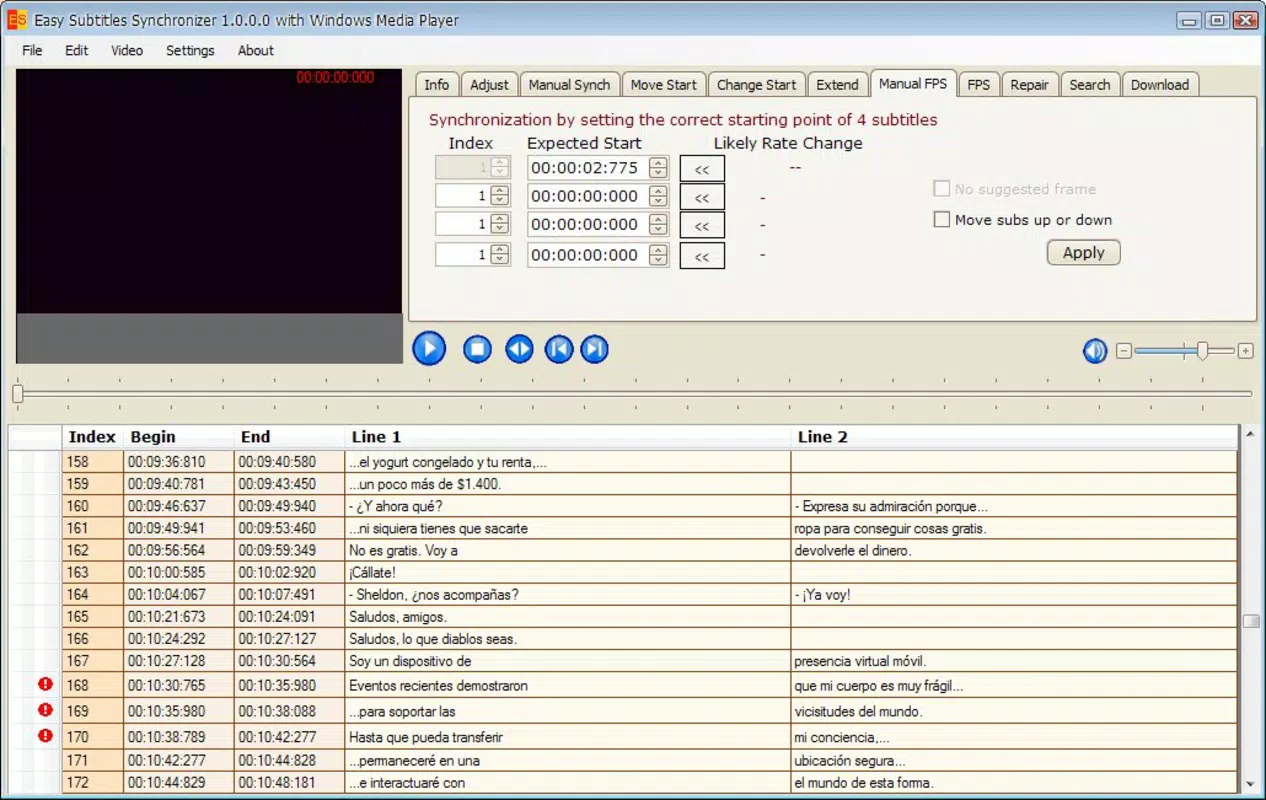
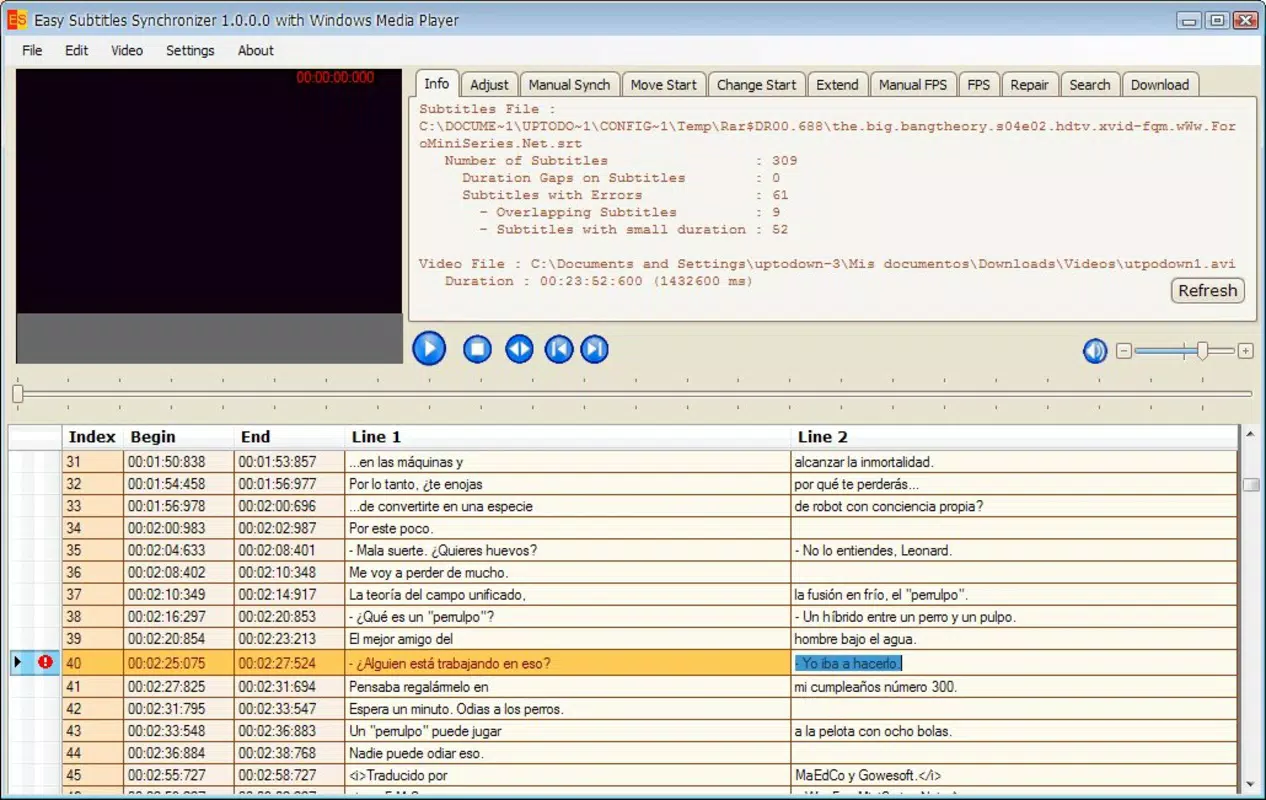
- Real-time Video Viewing: A dual-pane interface displays the video and subtitles side by side, enabling precise synchronization. Users can play, pause, and scrub through the video while observing subtitle timing, ensuring alignment with spoken dialogue.
- Internet Subtitle Downloads: Users can search and download subtitles directly within the app, eliminating the need for third-party websites or software. This streamlines the workflow, particularly for users seeking subtitles in multiple languages or for less common media.
- User-Friendly Interface: The layout is designed to be intuitive, with clearly labeled controls and a logical navigation flow. Even users with minimal technical experience can quickly learn to navigate the app’s core functions.
- Time-Saving Editing Tools: Features such as batch processing and automatic synchronization help reduce manual effort. These tools are beneficial for users managing large volumes of video content, including educators and freelance translators.
For example, a translator working on a multilingual video series can import an initial SRT file, use the app’s sync tools to align subtitles with the audio, and download additional language versions directly. Similarly, a content creator preparing a YouTube video can correct timing issues in real time, ensuring a polished final product.
Interface, UX & Performance
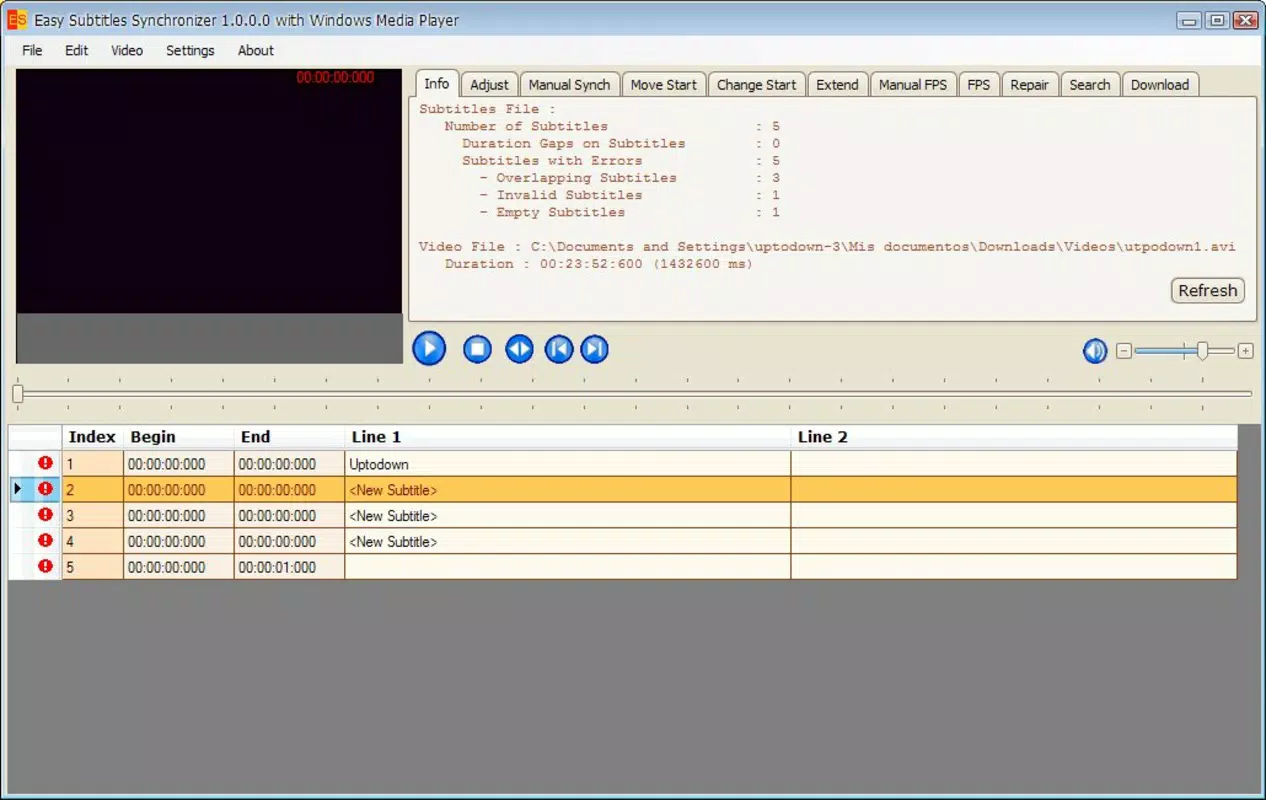
The app features a clean, functional interface that prioritizes usability over visual flair. The layout organizes video playback, subtitle display, and control panels in a logical, easy-to-navigate format. Navigation is straightforward, with buttons and menus positioned for intuitive access. The visual style remains consistent across screens, minimizing cognitive load and enhancing user focus during editing tasks.
Although the developer did not list formal performance metrics, the app’s lightweight nature—2.4 MB in size—suggests efficient resource usage. It is likely optimized for smooth operation on a range of Android devices, including mid-tier and older models. The responsiveness of the interface during playback and editing appears to be adequate for basic to intermediate tasks. Users can expect stable performance when working with standard video formats and subtitle files, though complex files or high-resolution videos may vary depending on device capabilities.
Stability during extended editing sessions has not been independently verified, but the app’s long-standing release history implies a level of reliability. The absence of reported crashes or bugs in public forums suggests consistent performance. However, users should be aware that specific performance outcomes may depend on individual device configurations.
Platform Compatibility & Technical Requirements
Easy Subtitles Synchronizer is available exclusively on the Android platform. The current version is 1.0, with a file size of 2.4 MB, making it a lightweight application suitable for devices with limited storage. The developer did not specify minimum OS requirements, so compatibility with specific Android versions cannot be confirmed. Users should ensure their device supports the app’s core functions, particularly video playback and file handling.
While the app is free to download and use, users are advised to verify the source before installation to ensure a secure experience. The app does not require special permissions beyond standard file access and media playback, which aligns with its utility-focused design. However, specific permissions were not listed in the provided data.
Pros and Cons
Pros
- Supports both .SRT and .SUB subtitle formats for broad compatibility.
- Real-time video playback enables accurate subtitle timing adjustments.
- Direct internet subtitle downloads eliminate the need for external tools.
- Lightweight size (2.4 MB) ensures quick installation and minimal storage usage.
- Free to download and use, offering strong value for basic to intermediate editing needs.
Cons
- Developer did not provide detailed technical specifications or OS requirements.
- No information on advanced editing features such as font customization or color settings.
- Platform availability is limited to Android only.
- Performance on high-end devices or with large files has not been documented.
- Interface lacks modern visual design elements, which may affect user appeal.
FAQ
Is Easy Subtitles Synchronizer safe to download and install?
The app is free and available through official Android channels. Users should ensure they download from trusted sources to maintain security and avoid potential risks.
Can I use this app on iOS devices?
Currently, the app is only available on Android. There is no official iOS version released.
Does the app support batch editing of multiple subtitle files?
Yes, the app includes tools for batch processing, which helps users manage multiple files efficiently.
How do I download subtitles from the internet?
Users can search for and download subtitles directly within the app using built-in search functions.
Is the app updated regularly?
While the app was released in 2011, the developer has not provided information on update frequency or future development plans.
Final Thoughts
Easy Subtitles Synchronizer stands out as a dependable, no-frills tool for mobile subtitle editing. Its core features—importing SRT and SUB files, real-time video playback, and direct internet downloads—make it a practical solution for users needing to sync or create subtitles on the go. While it lacks modern design elements and advanced customization options, its lightweight footprint and free access deliver strong value for basic editing tasks. The app is particularly beneficial for educators, translators, and content creators who prioritize functionality over aesthetics.
For anyone seeking a simple, effective way to manage subtitles on Android, this tool offers a streamlined experience without unnecessary complexity. It fills a vital niche in the mobile productivity space by bringing essential subtitle editing capabilities to smartphones and tablets.
Download Easy Subtitles Synchronizer now


